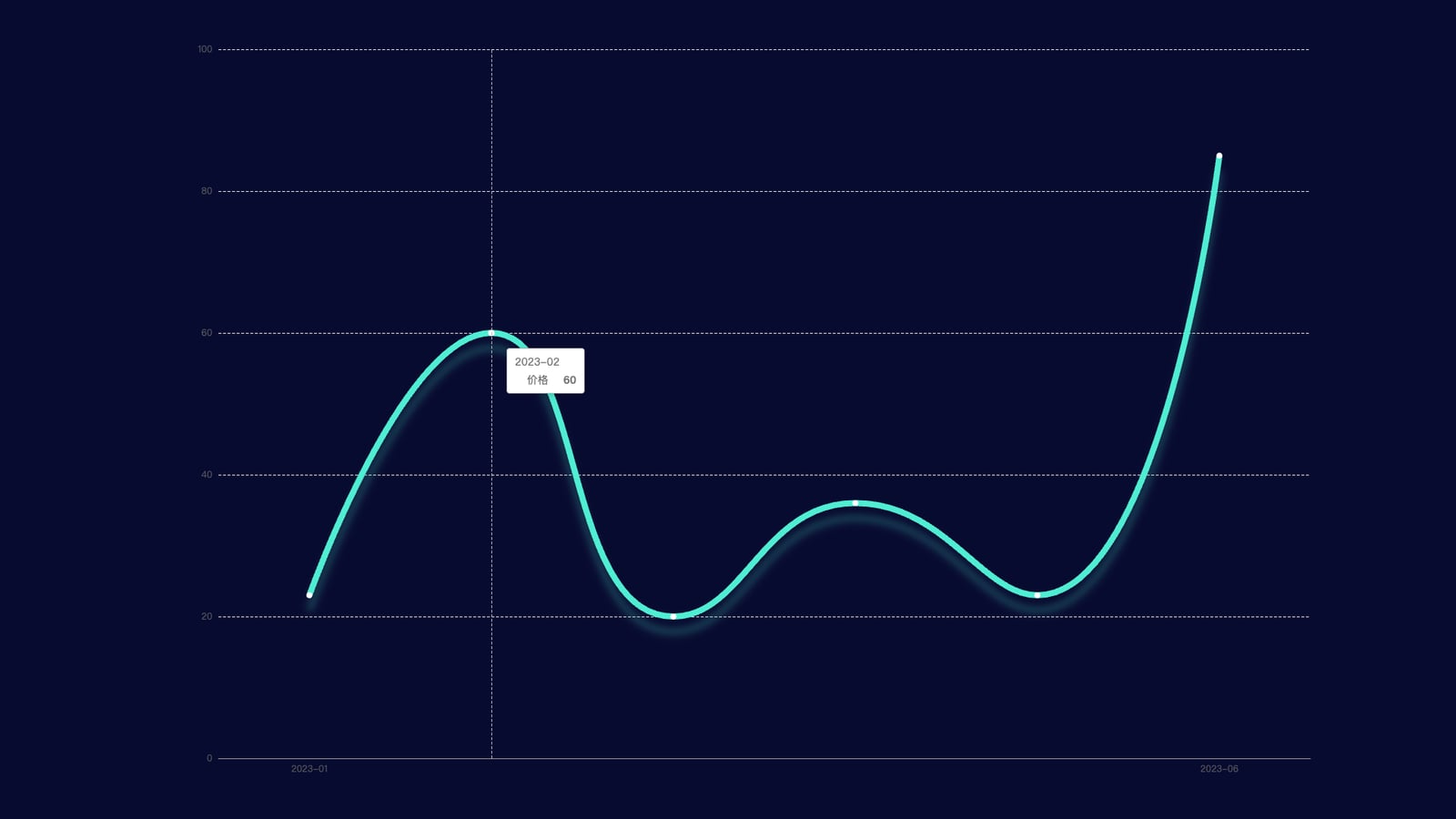
ID
3
配置代码
const option = {
        tooltip: {
            trigger: 'axis'
        },
        xAxis: [{
            type: 'category',
            data: ['2023-01','2023-02','2023-03','2023-04','2023-05','2023-06'],
            axisLine: {
                lineStyle: {
                    color: '#999'
                }
            },
            axisLabel: {
                interval: 4
            }
        }],
        yAxis: [{
            type: 'value',
            splitNumber: 4,
            splitLine: {
                lineStyle: {
                    type: 'dashed',
                    color: '#DDD'
                }
            },
            axisLine: {
                show: false,
                lineStyle: {
                    color: '#333'
                }
            },
            nameTextStyle: {
                color: '#999'
            },
            splitArea: {
                show: false
            }
        }],
        series: [{
            name: '价格',
            type: 'line',
            data: [23, 60, 20, 36, 23, 85],

            // 折线阴影:shadowColor/shadowBlur/shadowOffsetX/Y 组合实现 [web:3]
            lineStyle: {
                width: 8,
                color: {
                    type: 'linear',
                    colorStops: [{
                        offset: 0,
                        color: '#A9F387'
                    }, {
                        offset: 1,
                        color: '#48D8BF'
                    }],
                    globalCoord: false
                },
                shadowColor: 'rgba(72,216,191, 0.3)',
                shadowBlur: 10,
                shadowOffsetY: 20
            },

            // 圆点样式(保留你给的写法)
            itemStyle: {
                color: '#fff',
                borderWidth: 10,
                borderColor: '#A9F387'
            },

            smooth: true
        }]
    };
完整示例代码
相关文件下载地址


