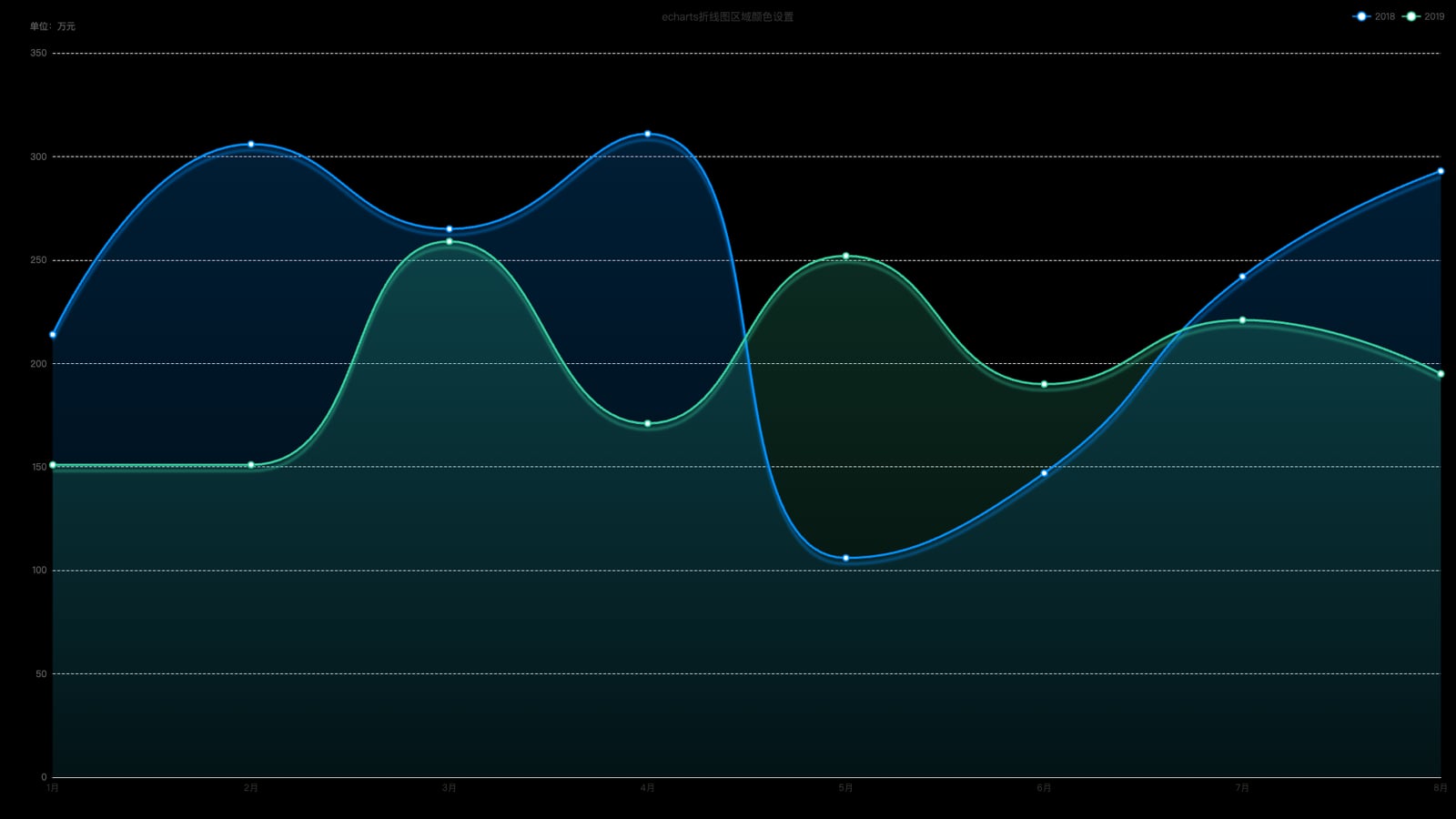
ID
7
配置代码
const option = {
        color: color,

        title: {
            text: 'echarts折线图区域颜色设置',
            left: 'center',
            top: 10,
            textStyle: { color: '#333', fontSize: 14, fontWeight: 400 }
        },

        legend: {
            right: 10,
            top: 10,
            data: ['2018', '2019']
        },

        tooltip: {
            trigger: "axis",
            axisPointer: {
                type: 'line'
            },
            formatter: function (params) {
                // params: axis 触发时是数组
                const name = params[0]?.name ?? '';
                let html = `<div style="font-size:14px;line-height:22px;color:#333">${name}月</div>`;
                params.forEach(p => {
                    html += `
            <div style="font-size:14px;line-height:24px;color:#666">
              <span style="display:inline-block;margin-right:6px;border-radius:50%;width:10px;height:10px;background:${p.color};
完整示例代码
相关文件下载地址


